
This feature can be used with the following license packs: Basic, Professional, Enterprise
There are at least two ways of doing an Early bird-pricing model in Lyyti. The first is with participant types:
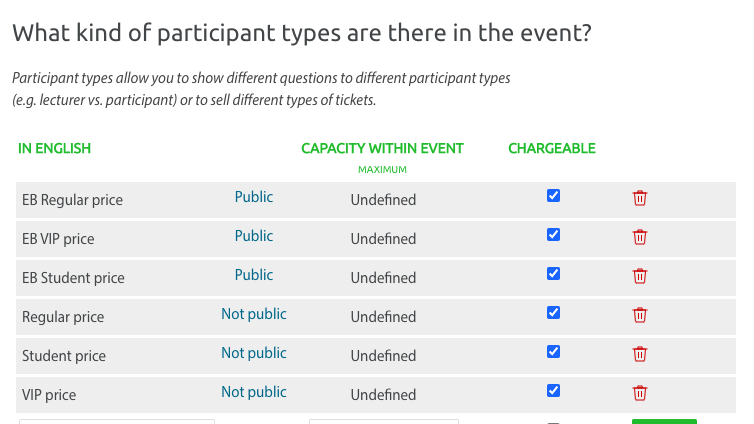
You add one participant type with the regular price, and one with the Early bird-price. You hide the regular prices for now by setting them as not public.
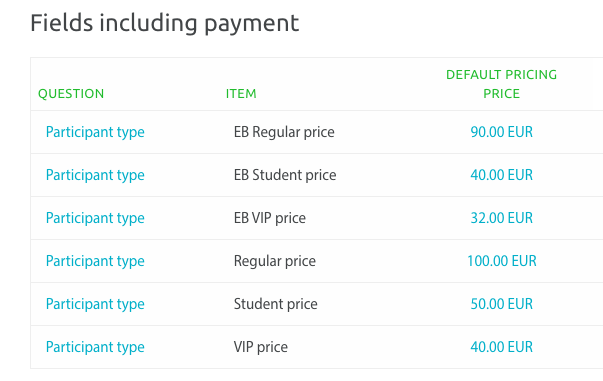
The prices may look like this:
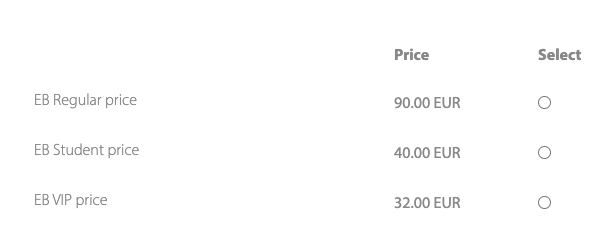
The participant can only choose from the public participant types:
So when the price changes, you change the hidden participant types to public and the public ones to not public. That way you have changed the prices with a couple of clicks :)
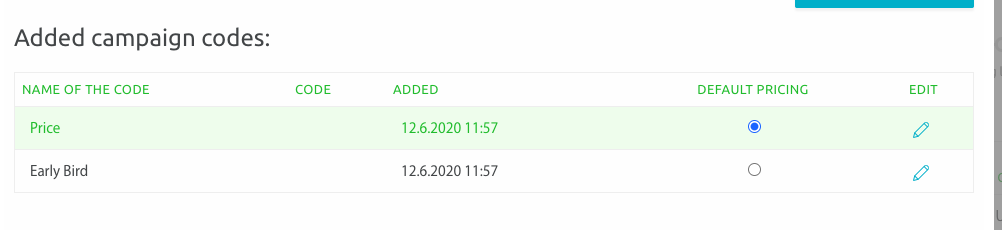
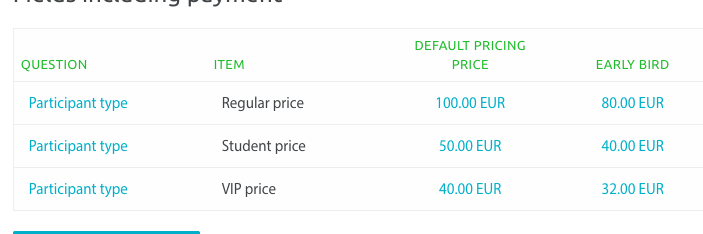
The other way is by using the same participant types at all times, but creating a campaign code to create two pricing models:
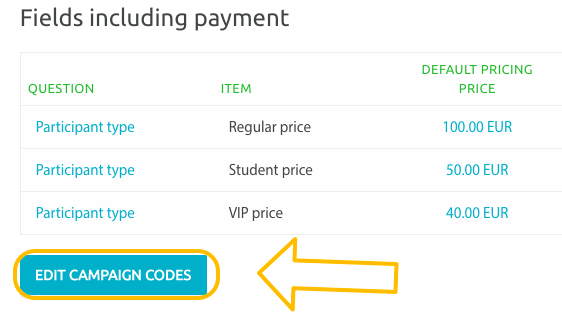
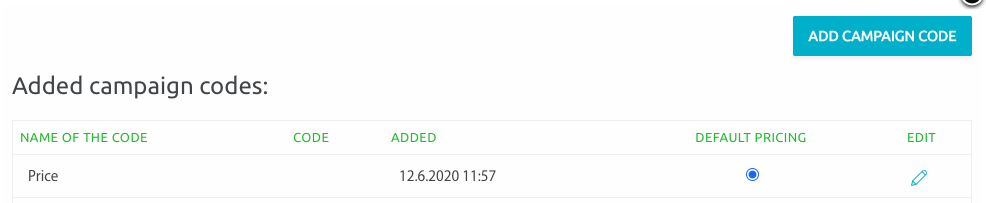
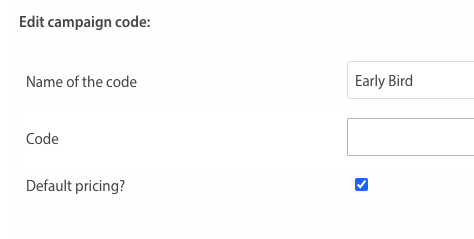
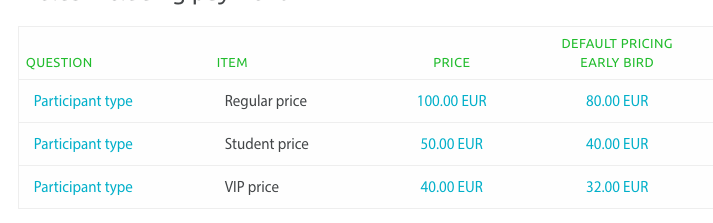
Set the prices and let the Early bird -pricing be the default.
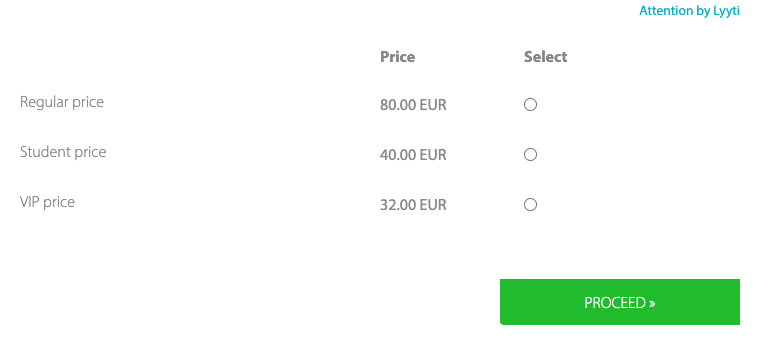
Your participants will see the Early bird-prices on the registration page:
When it's time to change prices, edit the campaign codes and set the original prices as default:
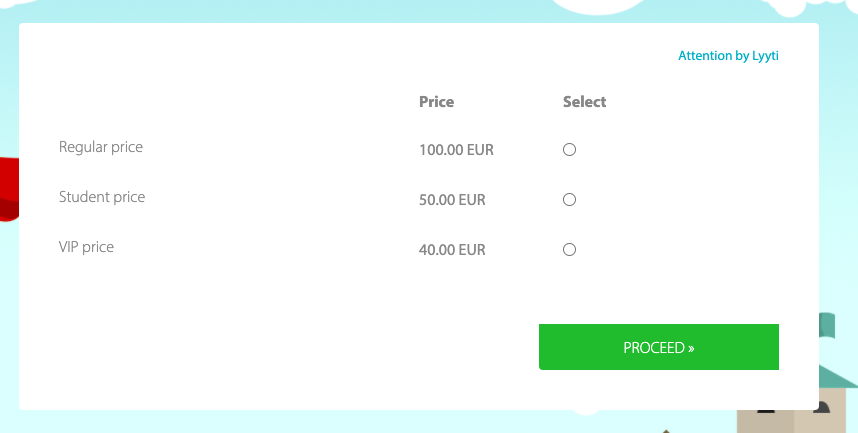
At which point the participant will see the regular prices:
Comments
0 comments
Please sign in to leave a comment.